
A one-star review can deter a reservation, a visit to a store, or a call. A late response can do the same. That’s why, when comparing Google Business Profile vs CRM, many local businesses start with the wrong idea: they believe they must choose between two tools that solve the same problem. That’s not the case.
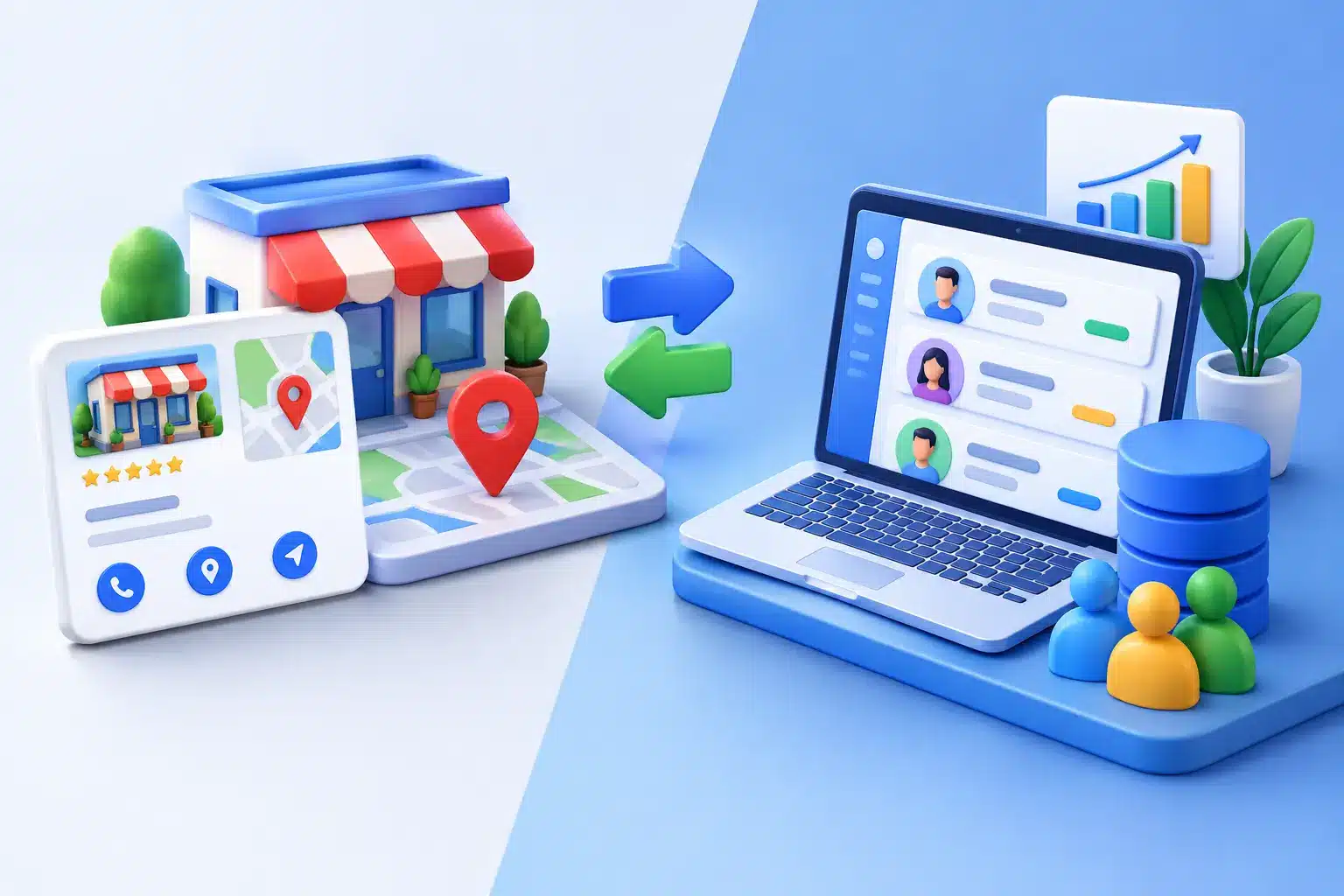
Google Business Profile is the public showcase of every location on Google Search and Google Maps. The CRM organizes the business relationship with customers and opportunities. Both can bring value, but neither replaces the other. And for a chain with multiple locations, confusing their functions often leads to slow processes, inconsistent responses, and reputation data that no one uses.
The useful question is not which one is better. It is which part of the operation needs to be controlled by your business and with which system.
What Google Business Profile solves
Google Business Profile allows you to manage a business's presence in the Google local environment. From the tab, you can update hours, phone numbers, categories, photos, services, posts, and responses to reviews. It's a crucial channel for restaurants, hotels, workshops, clinics, gyms, shops, and any business whose conversion occurs near a physical location.
When a person searches for “hotel near me,” “gym in Valencia” or “workshop open now,” the listing competes for attention before the user enters a website or completes a form. The average rating, the volume of reviews, the timeliness of responses, and the accuracy of the information all influence initial trust.
Google Business Profile also provides basic metrics on views, searches, calls, request for directions, and clicks. These are useful data to understand local visibility, but they are not designed to deeply interpret what customers are saying or to coordinate a reputation strategy on a scale.
A well-maintained listing attracts local demand. But a listing alone does not turn hundreds of comments into operational decisions.
What a CRM solves
A CRM centralizes the business information of contacts, companies, opportunities, tasks, sales, and communications. Its primary function is to help marketing and sales teams know who each potential customer is, what stage they are in, and what actions they should take to advance the relationship.
For a dealership, for example, the CRM can record a vehicle test request, assign it to an advisor, and measure how many leads end in a sale. For a gym chain, it can track a lead from a campaign to the visit to the center and the signing of a membership.
Some CRMs include satisfaction surveys, email automation, or fields for recording incidents. That may be enough if the goal is to follow up on individual purchases. However, they are not usually designed to manage the day-to-day of public reviews on Google Maps, compare performance between locations, or detect semantic patterns in thousands of reviews.
The CRM protects and accelerates the business process. It does not replace local reputation management.
Google Business Profile vs CRM: the differences that matter
The first difference is the point of contact. Google Business Profile operates in a public space, where any user can evaluate the experience of other customers and decide whether to visit the business. The CRM operates in an internal environment, with data on known customers or identified opportunities.
The second is the type of information. In Google Business Profile, signals of reputation and local discovery predominate: rating, review text, frequency, recurring topics, and the visibility of the profile. In the CRM, data about the business relationship predominates: contact history, budget, purchases, calls, campaigns, and the status of an opportunity.
The third difference is speed. A negative review without a response can be visible to hundreds of users before a sales team sees it. A CRM can open a task, but it does not guarantee a quick, personalized, and brand-aligned public response. In high-volume businesses, that delay becomes a reputational problem.
The fourth is scale. Managing two tabs manually can be viable. Managing 50, 200, or 1,000 locations requires permissions, response rules, quality control, alerts, and comparisons. A generalist CRM rarely offers that layer of specialization for Google reviews.
When Google Business Profile is enough
For an independent business with low volume of reviews, manual management may work. If the owner reviews the profile daily, responds thoughtfully, and keeps all the information up to date, Google Business Profile covers a relevant part of the need.
The limit appears when reviews grow, there are more than one employee responding, or the business opens new locations. Then questions arise that the dashboard doesn't easily answer: which location takes longer to respond? What reason does a negative review repeat? Which team is generating more positive reviews? Is the drop in ratings concentrated in a city, a shift, or a service?
If you can't answer these questions quickly, you don't have operational control over your reputation. You're just reacting comment by comment.
When CRM brings real value
CRM is essential when the business needs to streamline its onboarding, tracking, and sales processes. If a negative review reveals a serious issue with an identifiable customer, the team can use CRM to open a case, assign a responsible person, and document the resolution.
It is also useful to connect reputation with subsequent actions. For example, a hotel can detect a public complaint about a reservation and use the CRM to retrieve the guest's history. A workshop can associate a comment with a work order. A retailer can record a compensation or a follow-up call.
But this integration works best when reputation is first managed on a specialized platform and then shared with the CRM when individual intervention is required. Trying to turn the CRM into a review manager usually adds manual steps and reduces speed.
The layer that is missing for multi-site businesses
Chains don’t need to choose between Google Business Profile and CRM. They need a reputation management layer that connects the reality of their listings with operational decisions, customer experience, and local marketing.
That layer should centralize all locations, respond to reviews with artificial intelligence and configurable tone, classify sentiment, identify recurring themes and compare the performance between points of sale. You should also measure the evolution of the valuation, the response time and the generation of new reviews per employee or location.
That’s where a platform like wiReply comes in. It doesn’t replace Google Forms or the CRM. It converts public feedback into a measurable, scalable, and actionable operation.
A restaurant group may discover that criticism of wait times increases in specific segments. A network of workshops may detect that one city receives positive feedback for its budget transparency, while another loses trust due to delays in delivery. A hotel chain may see whether mentions of cleanliness, breakfast, or front-desk service improve after implementing internal changes.
These data are not just reputation; they are direct signs of the experience the business is delivering.
How to decide what you need now
If your priority is to appear correctly in Google Maps, attract local visitors and respond to reviews, start by managing your Google Business Profile in a disciplined way. Ensure accurate information, quick responses and an ethical process for request reviews after a real experience.
If your priority is to convert contacts into sales and maintain the history of each customer, CRM is the foundation. It should organize leads, automate follow-ups, and provide visibility to sales teams.
If you manage multiple locations, receive a high volume of reviews, or need to protect brand consistency, incorporate a dedicated reputation solution. It’s the way to prevent comments from accumulating, for each location to respond differently, and for learnings to get lost amidst spreadsheets and internal emails.
The best operation does not face channels. Google Business Profile attracts and conditions the local decision. The CRM develops the business relationship. The reputation management connects both with the real experience of the customer.
Every review is already saying something about your business. The difference is in making it a public comment or turning it into a concrete improvement in the next turn, the next campaign, or the next opening.